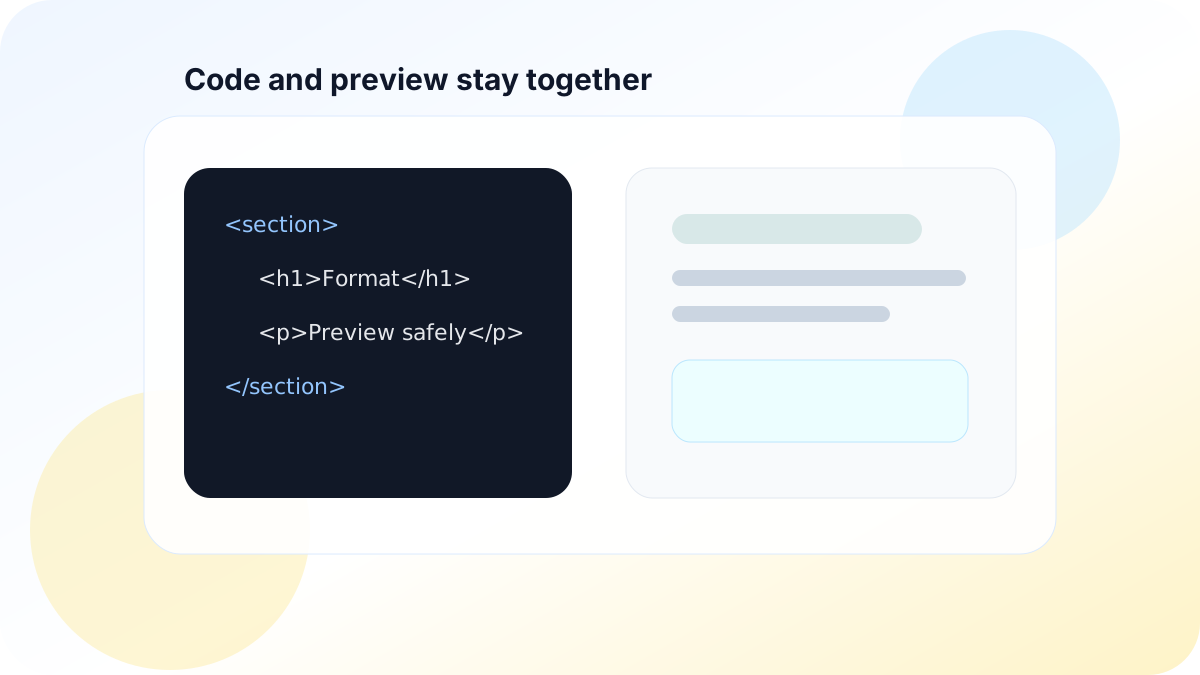
An HTML formatter operates on text. An HTML preview asks a browser to interpret that text as active content. Treating those actions as equivalent turns a developer convenience into a script-execution boundary.
Formatting does not remove active behavior
Indentation can make tags easier to inspect, but it does not neutralize scripts, event-handler attributes, dangerous URLs, form submissions, embedded documents, or resource loads. A formatted document may be easier for a person to review and still be unsafe to execute.
Escaping and sanitization serve different use cases. Escape markup when the goal is to show source code. Sanitize only when the product intentionally renders a permitted subset of HTML.
Sanitize for the destination context
OWASP recommends an actively maintained HTML sanitizer when users need to author HTML. The allowlist should match the product: a documentation preview may permit headings, lists, tables, and code while rejecting scripts, forms, iframes, event handlers, and dangerous URL schemes.
Do not modify sanitized markup afterward with string concatenation or a library that can reintroduce unsafe nodes. Keep the sanitizer patched because browser behavior and bypass techniques change.
Isolate the preview
A sandboxed iframe reduces what rendered content can do. Start with no sandbox tokens and add only capabilities the preview requires. Combining allow-scripts and allow-same-origin for same-origin content can significantly weaken isolation.
For stronger separation, serve previews from a distinct origin without application cookies or privileged storage. Apply a restrictive Content Security Policy that blocks unexpected scripts, connections, frames, forms, and navigation. CSP is defense in depth, not a substitute for sanitization.
Control resource and navigation URLs
HTML can trigger network requests through images, media, styles, links, and other elements. Decide whether external resources are part of the feature. If not, block them. If they are, enforce scheme and host rules after parsing and normalization, add referrer controls, and avoid leaking secrets through URLs.
Links opened from a preview should use protections appropriate to the target context, including safe handling of new browsing contexts. Do not allow a preview to navigate the main application unexpectedly.
Test with behavior, not a blacklist
A security regression suite should include nested and malformed markup, mixed-case attributes, encoded characters, SVG and MathML, srcdoc, CSS URLs, form actions, protocol-relative URLs, and DOM mutations. The acceptance condition is that only the documented safe subset survives—not that a short list of known attack strings is removed.